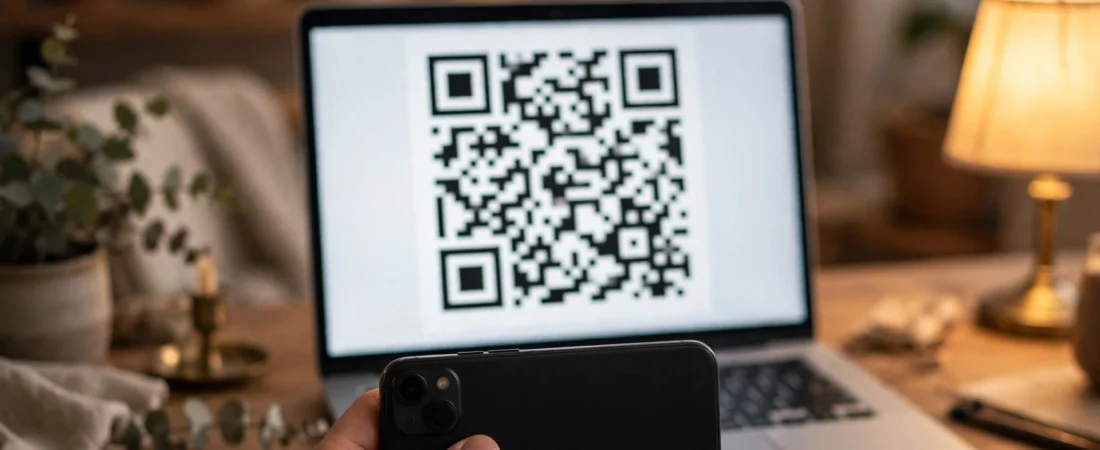
Learning how to create a QR code for a website is one of those small skills that quietly pays for itself. Business card, restaurant table, wedding invitation, your café’s Google review page — anywhere a typed-out URL would be painful, a QR code gets someone to the right page with a two-second camera scan. And you don’t need an app, an account, or a paid subscription. The whole thing takes under a minute with a free generator.
The 30-second version
Here’s the entire process, no fluff:
- Copy the full website link you want to share —
https://and all. Open it in an incognito window first to make sure it actually loads without a login. - Paste it into our free QR code generator.
- Download the code as a PNG. Done.
That’s genuinely it for a basic code. You can print it, drop it into a flyer, or text it to someone. But if you’re putting it on anything permanent — packaging, signage, a thousand business cards — the next two sections will save you from the mistakes that turn QR codes into expensive decorations.
Static vs dynamic: pick before you print
This is the one decision that matters, and most generators don’t explain it well.
A static QR code has your actual URL baked into the pattern itself. The letters of your link literally shape the squares. Nobody sits between the scan and your website, which means a static code is free forever, works even if the generator company goes bust, and never expires. The catch: you can never change it. Print a static code pointing to one page, and that’s the page it opens — forever.
A dynamic QR code encodes a short redirect address instead, something like qr.example/abc123. When someone scans it, their phone opens that short link, which instantly forwards to whatever destination you’ve set. Because there’s a server in the middle, you can change the destination anytime without reprinting, and you can see scan counts, rough locations, and devices. The catch: the code only works as long as that redirect service stays alive — and good dynamic codes usually need a paid plan once you outgrow the free tier.
So which do you need? Ask one question: will I ever need to change where this points, or know how many people scanned it?
Printing a code on your shop window that links to your homepage? Static. That URL won’t change, and you don’t need analytics for your own front door. Printing 5,000 flyers for a product launch where the landing page might move? Dynamic — reprinting 5,000 flyers costs a lot more than a subscription. And for a real-estate “for sale” sign, dynamic is almost mandatory: you can kill the code the day the house sells instead of hoping buyers notice the sign came down.
Most everyday uses are static. Most marketing uses are dynamic.
The size mistake that ruins most QR codes
A QR code printed too small is just a black-and-white decoration. Cameras can’t resolve the pattern below a certain size, and the number one cause of “I scanned it and nothing happened” is a code that was shrunk to fit a design.
Minimum sizes that actually work, by medium:
- Business card: 2 × 2 cm (about 0.8 inches)
- Flyer or brochure: 3 × 3 cm
- Poster: 5 × 5 cm
- Shop window or sign: 8 × 8 cm
- Billboard: 20 × 20 cm
Scale it with distance, too. A code on a wall that people scan from three metres away needs to be much bigger than one on a card held at arm’s length. If you’re unsure, print one copy at your planned size, tape it where it’ll live, and scan it from the farthest distance a real customer would stand. Thirty seconds of testing beats a reprint run.
Long URLs make ugly, hard-to-scan codes
Here’s something the pattern won’t tell you: the more text a static code encodes, the denser and busier the pattern gets. A short link like yourshop.com/menu becomes a clean, open grid. A 140-character monster with tracking parameters becomes a dense thicket of tiny squares — and tiny squares are harder for cameras to read, especially in bad light or at small sizes.
So before you generate the code, shorten the URL. Use a link shortener, or better, a short redirect on your own domain. It looks more professional anyway: people see your domain, not a random shortener’s.
One more trick for static codes: you can’t get scan analytics from a static code — but if you append UTM parameters to the URL before encoding it, your regular site analytics will count every scan that lands on the page. You won’t get device or location detail, but for a poster where “roughly how many people scanned” is enough, it costs nothing. Just remember that every extra parameter makes the pattern denser, so keep them short.
Design rules that keep your code scannable
You can make a QR code look good — brand colours, a logo in the middle, rounded corners — but every design choice has a cost in scan reliability. The rules that matter:
Keep the contrast high. Dark modules on a light background, always. Light grey on white might match your minimalist branding, but phones will stare at it blankly. Black on white scans best; dark navy on cream works too.
Leave the quiet zone alone. The white margin around a QR code isn’t wasted space — it’s part of the code. Scanners use it to find the edges. Trim it off to “save space” and scans start failing. Four modules of margin is the standard; when in doubt, leave more.
A centred logo is fine — within limits. Covering the middle with your logo looks sharp, but it eats into the error correction. Keep the logo small (under about 20% of the code’s width), use a generator that lets you crank error correction to high, and then test the exported file on more than one phone before you print a thousand copies. That last step is non-negotiable.
Test on two phones, minimum. iPhone and Android cameras handle codes slightly differently, and older phones are fussier. If the code scans on both, in normal room light and from the distance customers will use, you’re good. If it only works in perfect light with the phone an inch away, fix it now.
I’ve seen a restaurant print its menu code over a photo of a salad — dark squares on dark lettuce, no margin, tiny. Nobody ever scanned it. The code was technically perfect and practically useless. Don’t be that restaurant.
Where a website QR code actually earns its keep
Some placements genuinely work better than others:
- Receipts and invoices linking to your review page — catch the customer while the experience is fresh.
- Conference badges and business cards linking to a portfolio or LinkedIn — faster than spelling your name.
- Product packaging linking to the manual, setup video, or warranty registration — nobody reads the paper manual, everyone scans the box.
- Rental and estate listings linking to the full advert — the board outside the property does the selling.
- Wedding and event invitations linking to the RSVP form — your guests will thank you.
And if what you really want to share isn’t a website at all, the same idea applies elsewhere: a QR code can carry your WiFi password so guests join the network without typing a 26-character key.
FAQ
Do QR codes for websites expire? Static ones never do — the data lives inside the pattern, so a static code printed today still works in ten years. Dynamic codes can stop working if the redirect service shuts down or your subscription lapses.
Is it really free to make one? Yes, for static codes. Plenty of generators — including ours — make them free with no sign-up and no watermark. Dynamic codes are where the paid plans live.
Can I change the link after I’ve printed the code? Only with a dynamic code. A static code’s destination is fixed forever — you’d need to print a new one. If there’s any chance the page moves, go dynamic before you print.
Does the other person need a scanner app? No. Every iPhone since iOS 11 and every Android phone since about 2017 reads QR codes straight from the default camera app. Point, tap the notification, done.
Can I use my brand colours instead of black and white? Yes, as long as you keep strong contrast — dark on light. Dark blue on white works; pale grey on cream doesn’t. And always test the coloured version before printing.
Should I download PNG or SVG? PNG for digital use — websites, emails, slides. SVG for print — flyers, cards, banners — because it’s vector and stays crisp at any size.
Make yours now
That’s the full playbook: pick static or dynamic, keep the URL short, print it big enough, leave the margin, test it on two phones. Most people can go from “I should add a QR code to this” to a finished, working code in about two minutes.
Try our free QR code generator — paste your link, download your code, no account needed. Your flyer, menu, or business card is one scan away from the page it’s supposed to reach.